
How to Become an Internet Superhero E-bookUX, Illustration & Interactivity Combined to Teach Online Safety — With Tailored Experiences for Students and Educators Across Devices
Role: Lead Designer, Creative Lead, UX/UX Designer, Learning Designer, Learning Experience Designer, Illustrator, & Project Owner
Duration: 3 months
Platform: Web + Tablet
Tools: Figma · FigJam · Procreate · Adobe Photoshop
Stakeholders: Educators & Senior Members of the eSmart Team
Overview
As Lead Designer, Illustrator, Creative Lead, and Project Owner, I designed an interactive digital storybook for eSmart, an online safety education initiative for primary students. The project combined UX/UI design, learning design, and visual storytelling to teach young children how to stay safe online through a narrative-based, age-appropriate experience.
Key Contributions
End-to-End Ownership: Defined the creative vision, project scope, and delivery timeline.
UX/LX/UI Design: Conducted research, developed user journeys, wireframes, and prototypes for tablet-based use.
Illustration & Art Direction: Created all original illustrations and established a warm, inclusive visual style to enhance empathy and engagement.
Learning Design: Developed lesson flow and story pacing aligned with early-years curriculum standards.
Stakeholder Engagement: Facilitated cross-functional workshops and coordinated feedback from educators, stakeholders, and learners.
Testing & Iteration: Conducted classroom user testing with Year 1–2 students and educators; refined design for clarity and accessibility.
Challenges
Balancing Education and Engagement: Crafting a story that was both pedagogically sound and emotionally engaging for young children.
Designing for Inclusivity: Ensuring diverse representation and relatable digital scenarios for all learners.
Adapting for Dual Use: Creating two distinct formats—one for educators (guided discussion) and another for students (interactive and self-led)—while maintaining a cohesive design system.
Outcomes
Successful National Roll-Out: Delivered as part of eSmart’s official digital learning suite and used in schools across Australia.
Positive User Response: Students actively engaged and cheered during interactive sequences; educators praised its accessibility and dual-use format.
·Recognised Impact: The foundation highlighted it as a flagship project for strengthening early-years online safety education.
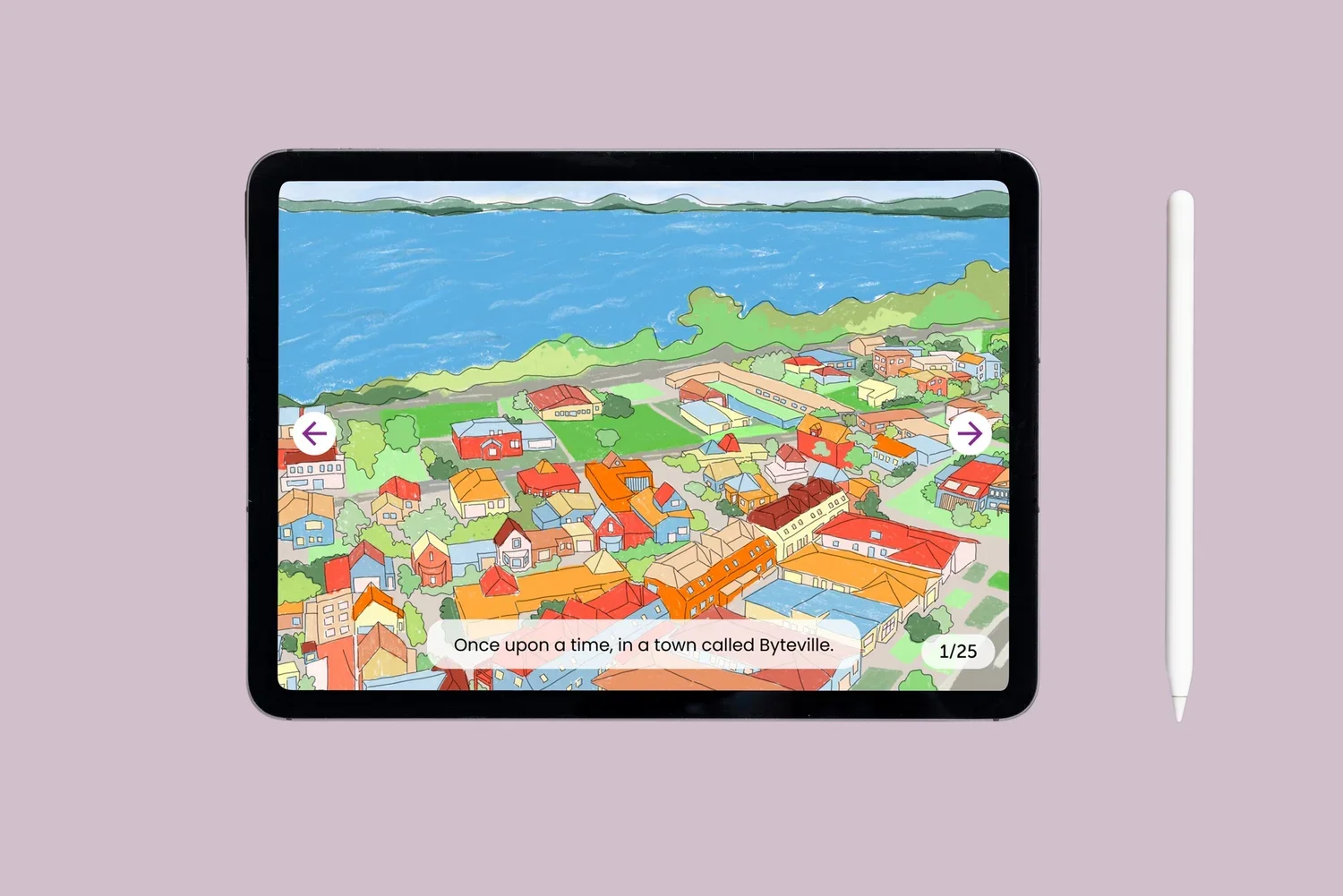
Students’ tablet version content example display (real world illustration style): simpler language & more interactive actions for kids to finger long-press
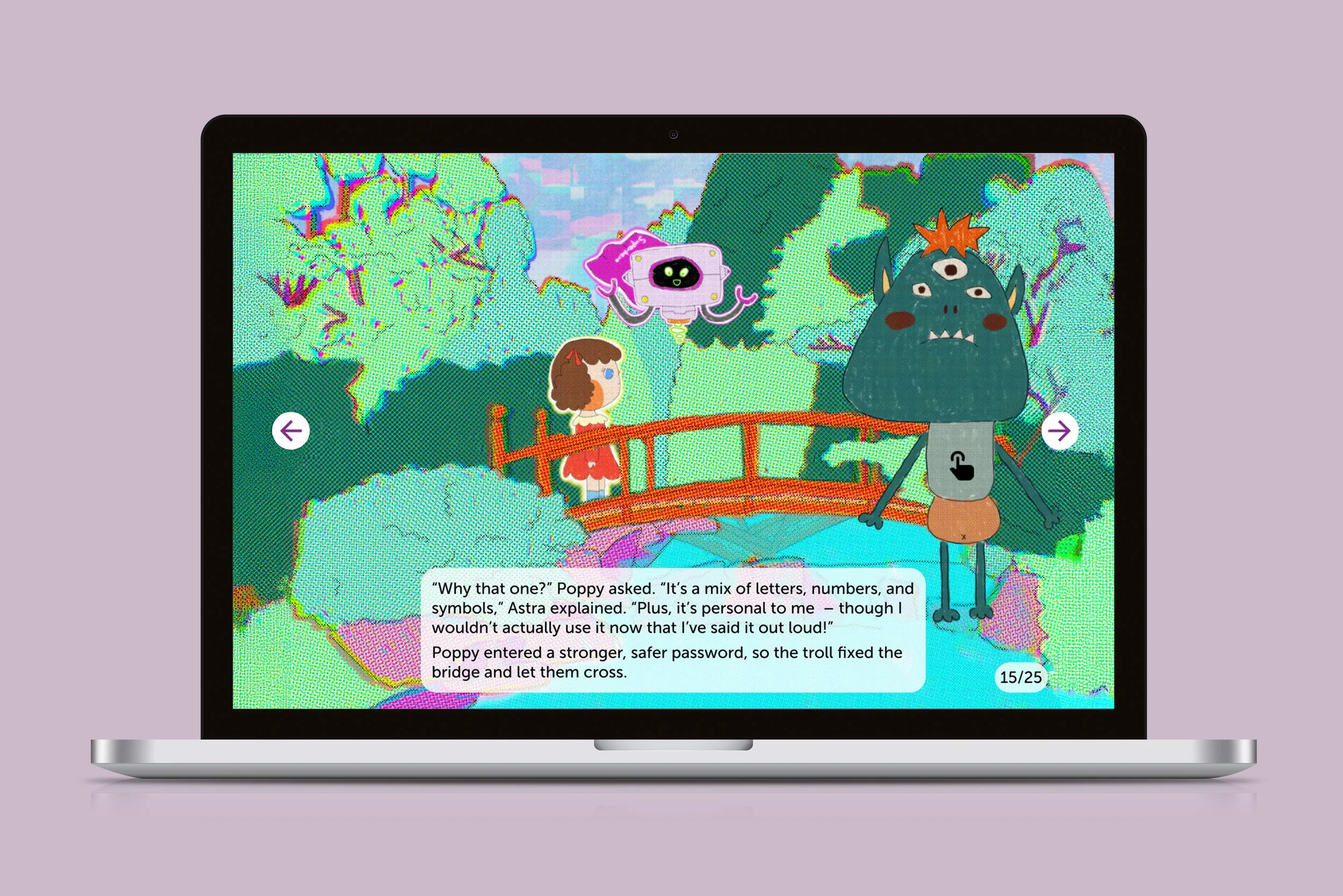
Educators’ laptop version content example display (digital world illustration style): could see the interactive animations when hovering the hand tool