
How poppy Became an Internet Superhero E-bookUX, Illustration & Interactivity Combined to Teach Online Safety — With Tailored Experiences for Students and Educators Across Devices
Role: UX/UI Designer · User Researcher · Learning Experience Designer · Visual Design Illustrator & Project Owner
Audience: Primary school students & educators.
User Testing: 30–40 students & 5 educators
Research Methods: Activity-based testing · Observation · Moderated Sessions
Duration: 3 months
Platform: Web + Tablet
Tools: Figma · FigJam · Procreate · Adobe Photoshop
Stakeholders: Educators & Senior Members of the eSmart Team
Overview
How Poppy Became an Internet Superhero is an interactive educational experience designed for the Alannah & Madeline Foundationto help primary school students develop safer online behaviours through storytelling, gamified learning, and accessible digital design.
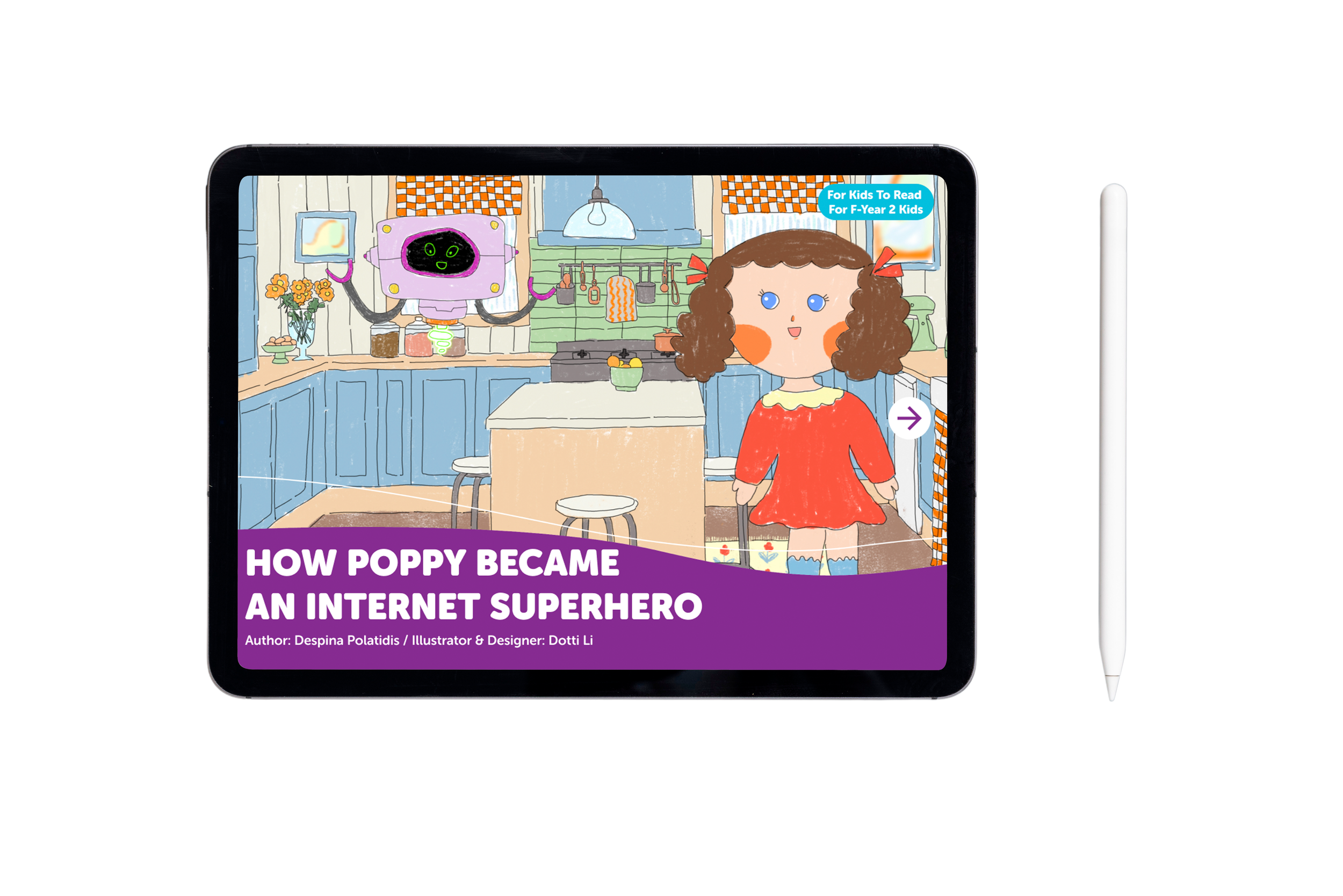
Students’ tablet version
Key Contributions
Conducted moderated user testing with students and educators
Designed activity-based research methods for younger learners
Created interactive eBook experiences
Designed illustrations and visual storytelling systems
Simplified complex online safety concepts into child-friendly learning content
Iterated designs based on behavioural observations and educator feedback
Designed accessible and engaging digital learning experiences
The Challenge
Online safety education can easily become overly instructional or fear-driven for younger audiences.
The challenge was to design an engaging learning experience that could:
simplify complex online safety concepts,
keep younger students engaged while introducing difficult online safety topics
support real classroom environments,
and encourage safer online habits without relying on fear-based messaging.
The experience also needed to balance educational outcomes with an approachable and visually engaging interface suitable for primary school students.
User Research & Testing
I conducted moderated testing sessions with:
30–40 primary school students
5 educators
Because the students were very young, traditional UX interviews were less effective. Instead, I designed activity-based testing sessions where insights were gathered through:
observation,
interactive activities,
behavioural responses,
and casual conversations during engagement.
This helped identify:
which storytelling approaches resonated most strongly,
where students became disengaged or confused,
and how effectively the experience could hold students’ attention in real classroom environments.
Educator feedback focused on:
classroom suitability,
educational clarity,
accessibility,
and overall engagement within teaching environments.
Insights from testing directly informed:
interaction refinements,
content simplification,
and visual communication decisions throughout the experience.
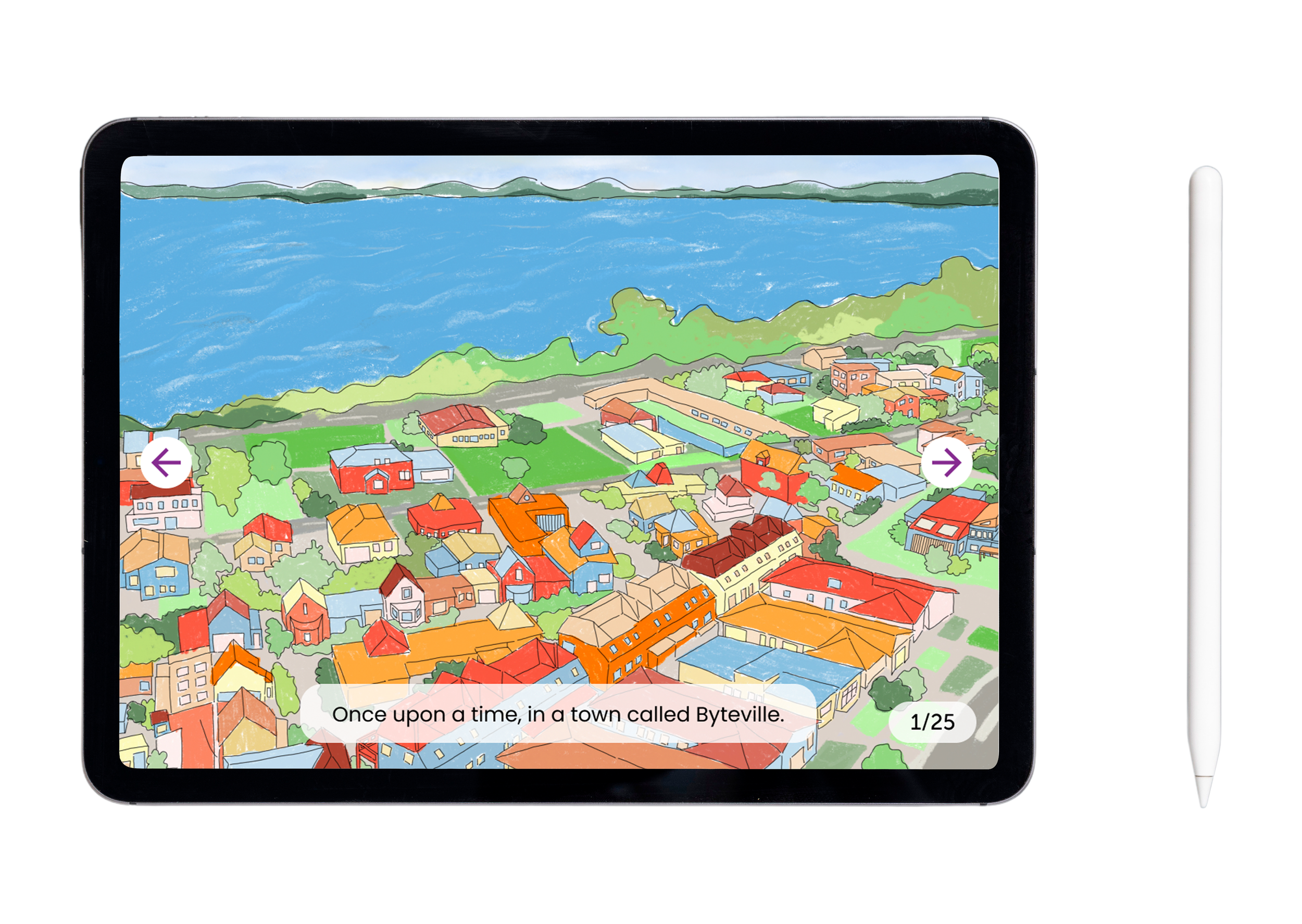
Students’ tablet version content example display (real world illustration style): simpler language & more interactive actions for kids to finger long-press
Design Approach
Story-led Learning
Used character-driven storytelling to make online safety concepts easier for children to understand.
Gamified Interaction
Designed interactive activities to encourage participation and keep younger students engaged while introducing difficult online safety topics
Accessible Communication
Prioritised simple navigation, age-appropriate language, and clear visual hierarchy.
Outcome
The project became part of a broader digital safety education initiative supporting Australian students and educators.
The experience received positive feedback for its:
engaging visual storytelling,
child-friendly and emotionally supportive learning experience
and the ability to translate complex online safety topics into child-friendly learning experiences.
This project strengthened my experience in:
educational UX,
behaviour-focused design,
participatory research,
and accessible digital learning experiences.
Real-World Reflection
This project highlighted how designing educational experiences for younger audiences often requires adaptive research methods, observation-based facilitation, and emotional engagement rather than relying solely on traditional usability testing approaches.
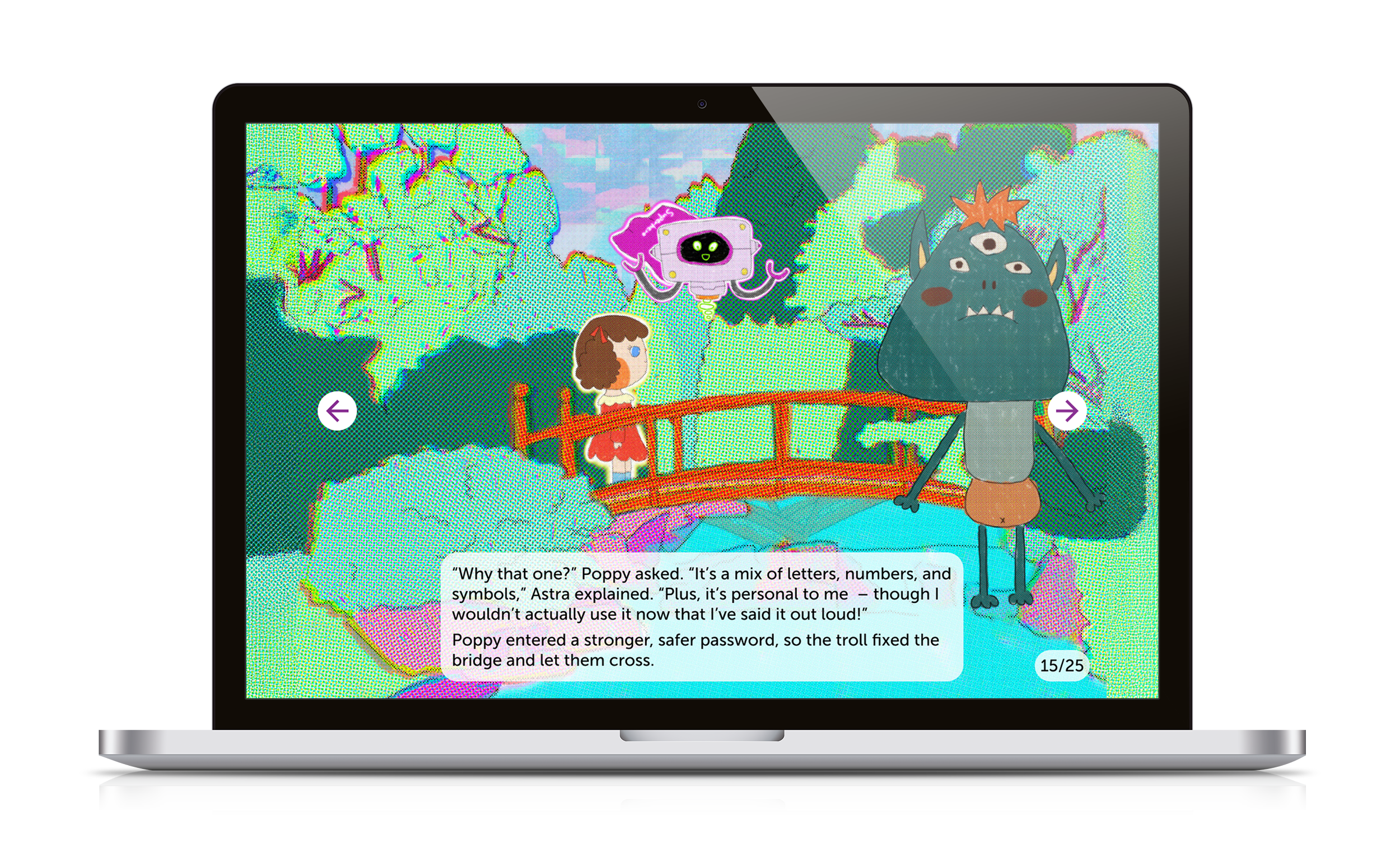
Educators’ laptop version content example display (digital world illustration style): could see the interactive animations when hovering the hand tool
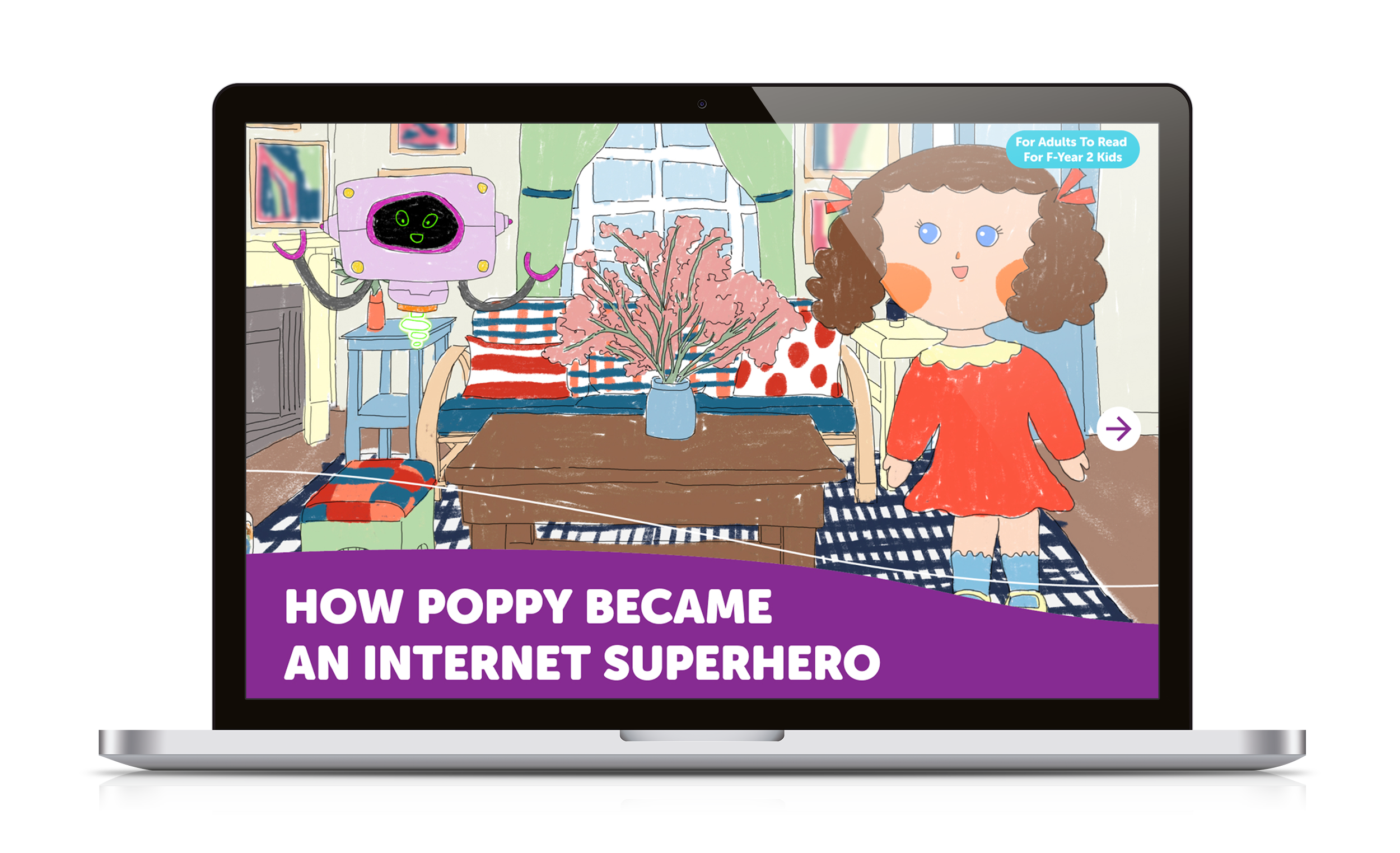
Educators’ laptop version